Jigsaw puzzle generator
The CutGarage jigsaw puzzle generator creates a classic jigsaw puzzle cut file in any size. Set the width, height, number of rows and columns, tab size and randomness, then download a free SVG or DXF to cut a wooden or acrylic puzzle with your laser.
Free, no sign-up, nothing is uploaded – the file is made in your browser. Red = cut, black = engrave. Files are 1:1 in millimetres; cut a small test first.
How to use the jigsaw puzzle generator
- Set the puzzle size. Match the size of your photo or engraving.
- Choose the pieces. For kids, use 12–24 pieces of 40–50 mm. For adults, 50–100 pieces of 25–35 mm.
- Change the shapes. Change “Shape number” for a new random layout, and “Randomness” for more natural pieces.
- Engrave, then cut. Engrave your photo or design first, then run the puzzle cut lines on top in the same position.
How to make a photo puzzle
- Engrave a photo on 3 mm plywood (or print it and glue it on).
- Without moving the sheet, cut the puzzle lines on top.
- Sand the back lightly and keep the pieces in a box – make one with our box generator.
Best materials
3 mm birch plywood is ideal: strong, light and safe for children. Use 2–3 mm acrylic for a modern look. Keep pieces at least 20 mm wide so the tabs don’t break.
Questions
How many pieces should a laser cut puzzle have?
For toddlers 6–12 large pieces, for kids 12–35, and for adults 50–200 pieces. Smaller pieces need a thinner laser kerf and more cutting time.
What size should puzzle pieces be?
At least 20 mm for 3 mm plywood. 30–50 mm pieces are easiest to handle.
Can I make every puzzle different?
Yes. Change the “Shape number” to get a new random set of pieces with the same size and count.
Is the jigsaw puzzle generator free?
Yes. It is free with no sign-up, and you can sell the puzzles you make.
Which file format should I use?
SVG for Glowforge, xTool, Inkscape and LightBurn; DXF for LightBurn, RDWorks and CNC routers.
Free toy and puzzle files to cut
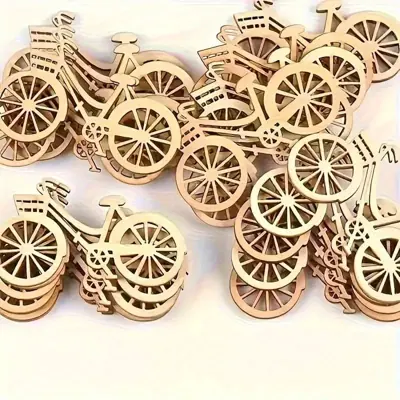
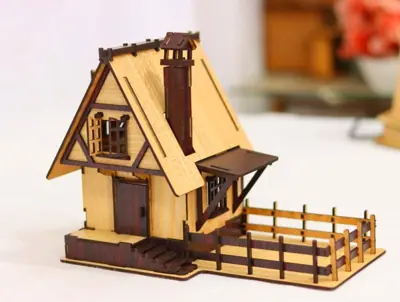
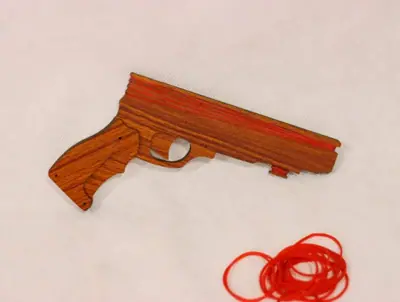
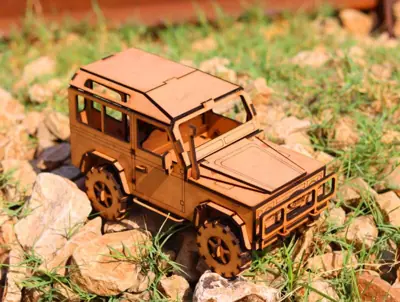
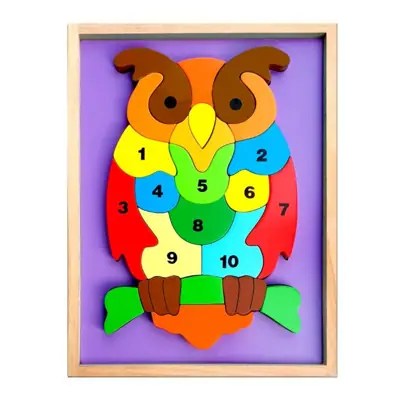
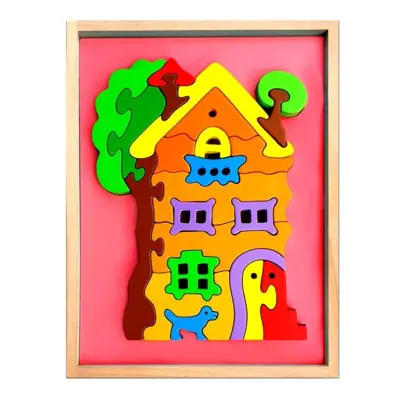
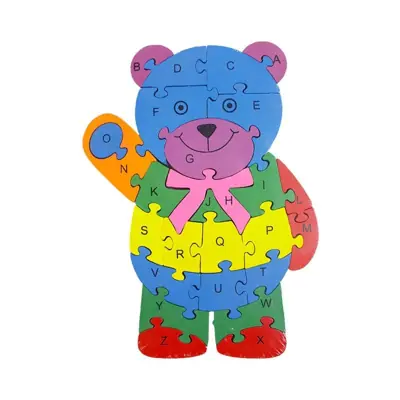
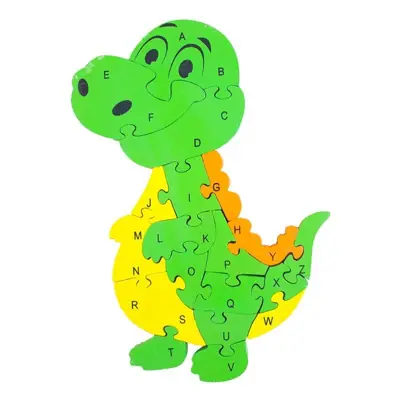
Ready-made designs if you prefer a finished file.
Guides
More free tools

Name to cake topper with stakes – SVG & DXF.
Open tool →
Layered, engraved or cut-letter name signs.
Open tool →
Round, square, hexagon or heart coasters with text.
Open tool →
Name-shaped keychains and tags with a ring hole.
Open tool →
Clock faces with numerals, ticks and centre hole.
Open tool →
Turn a logo or photo into a cut or engrave file.
Open tool →