Wall Art – free laser cut DXF files
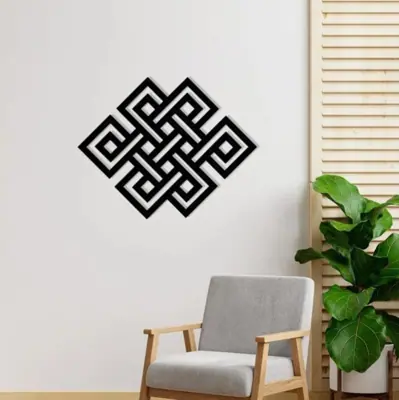
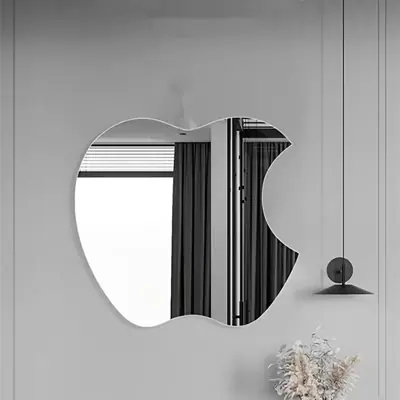
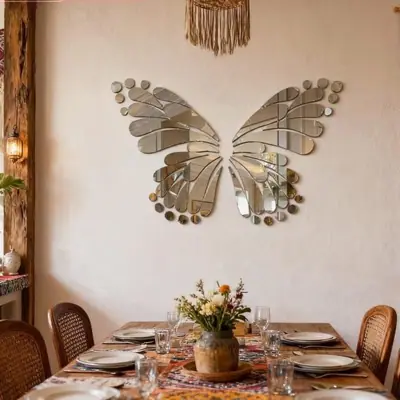
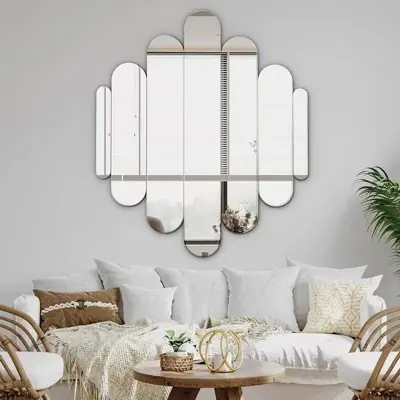
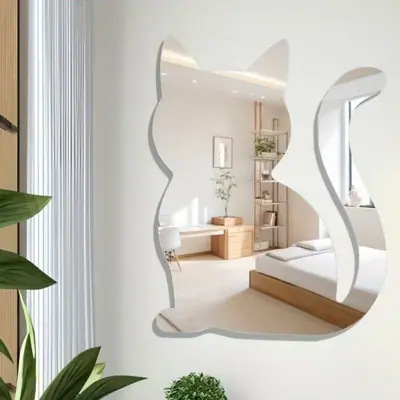
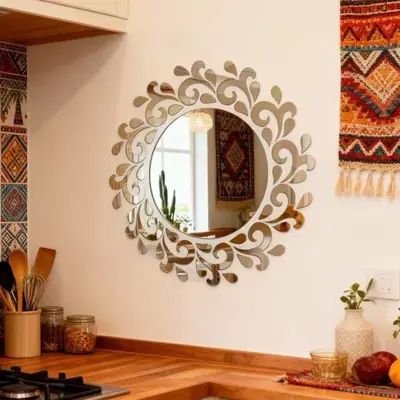
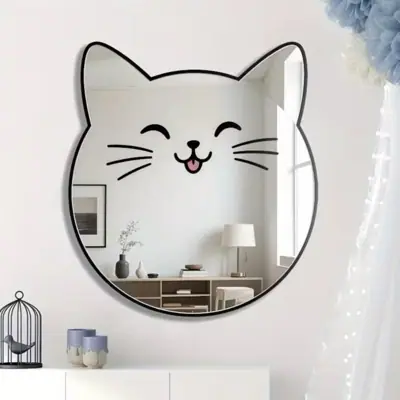
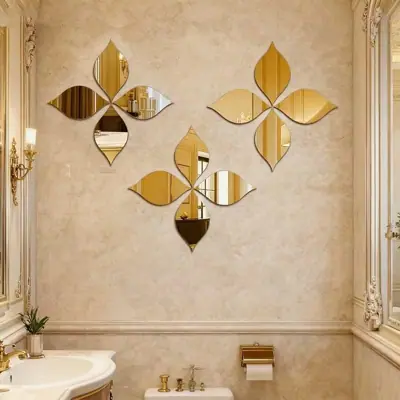
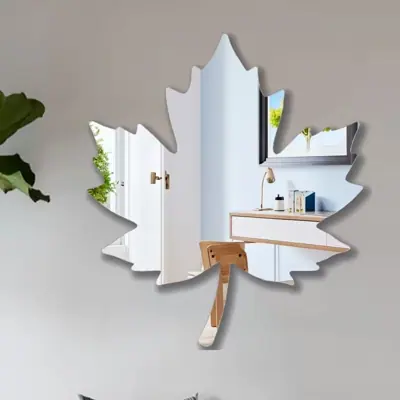
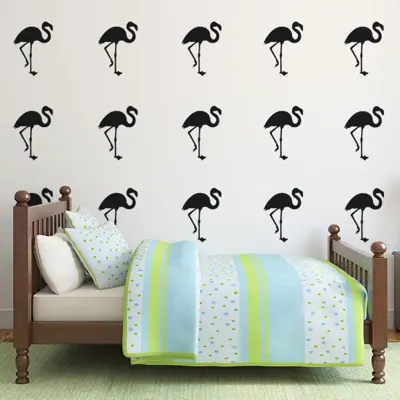
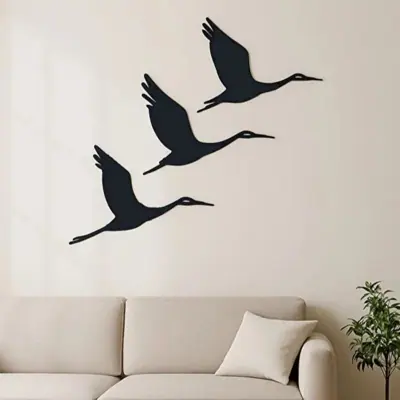
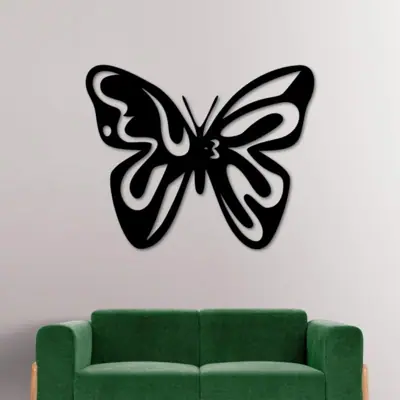
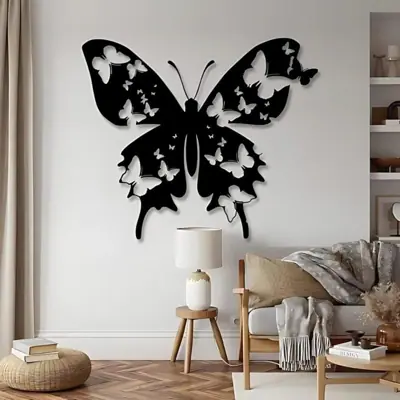
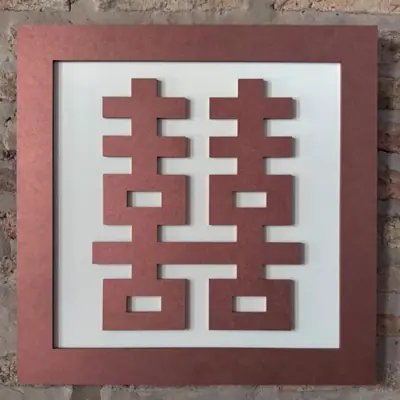
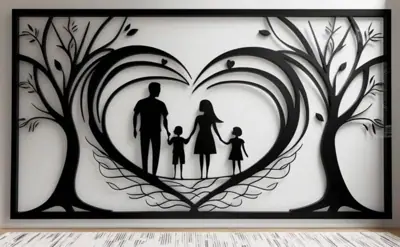
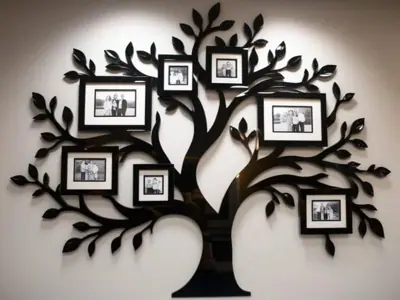
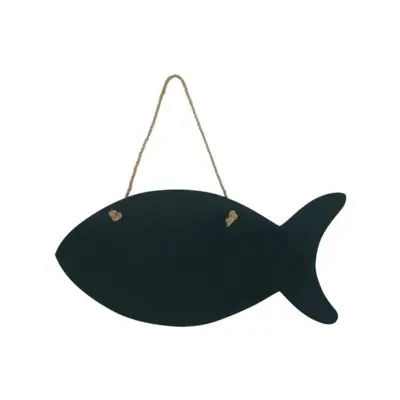
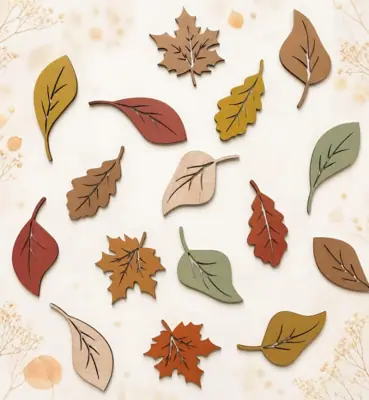
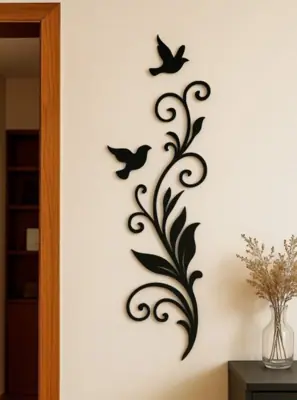
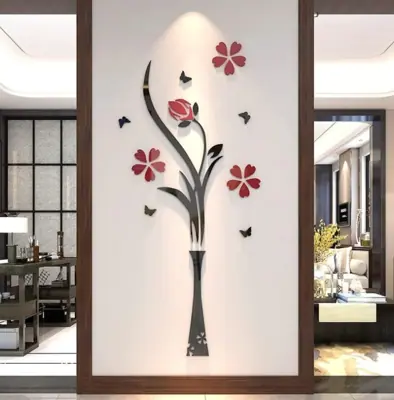
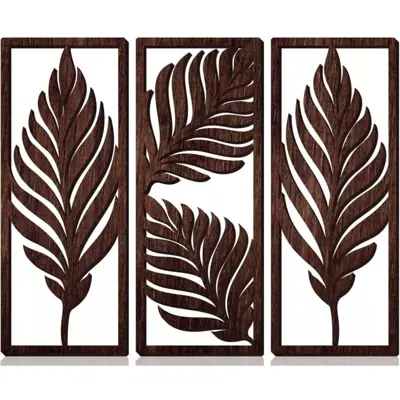
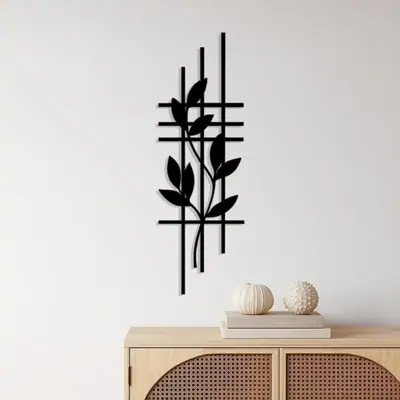
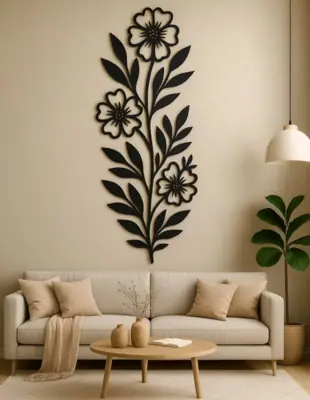
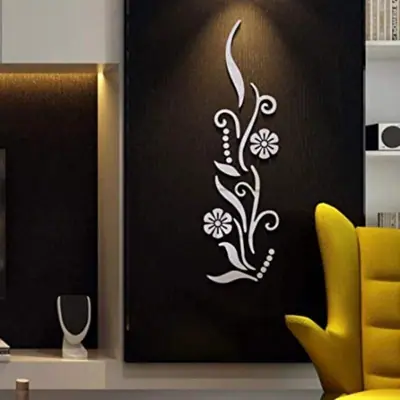
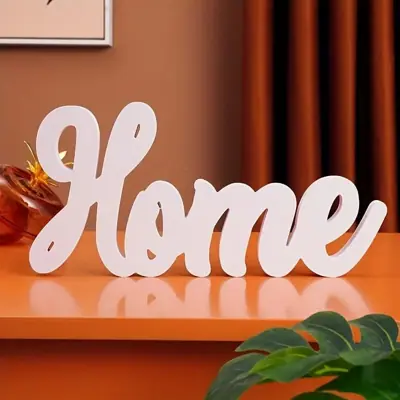
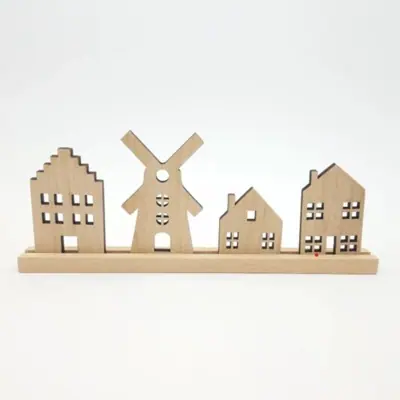
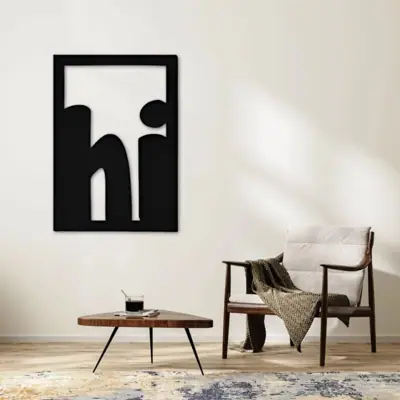
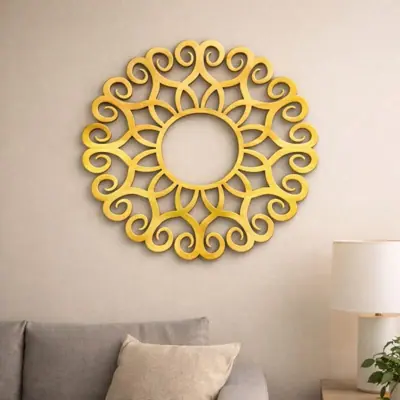
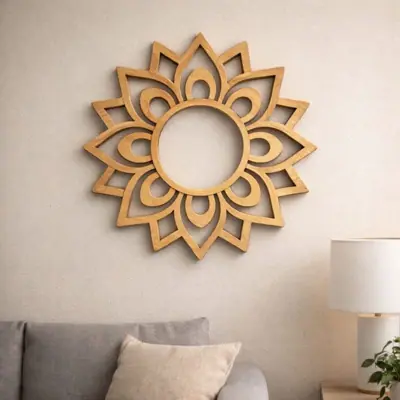
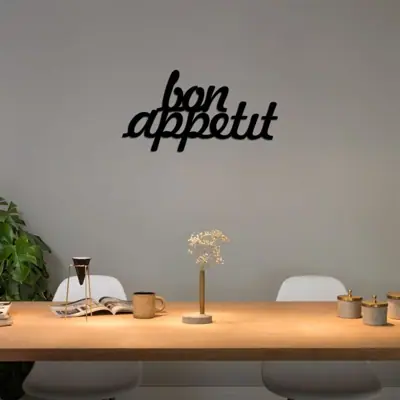
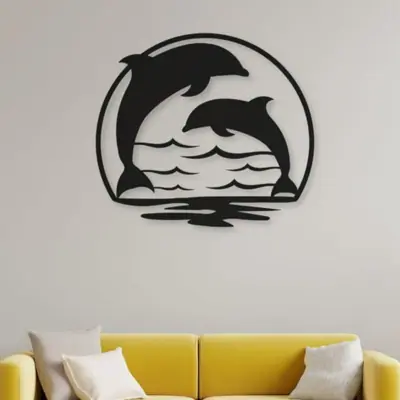
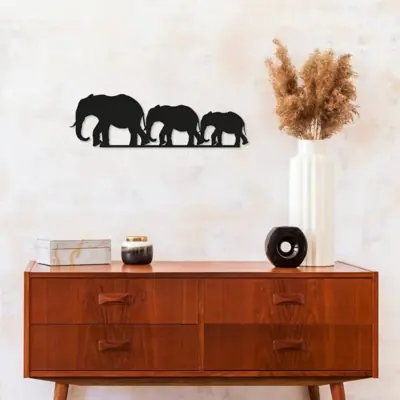
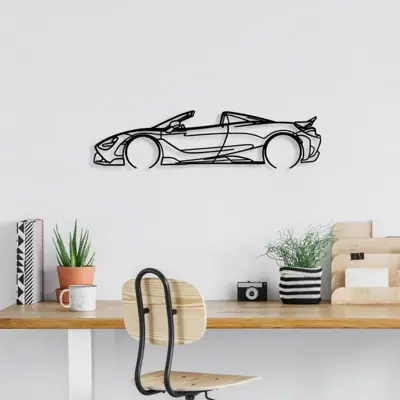
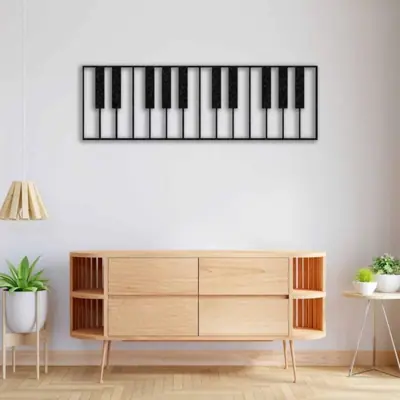
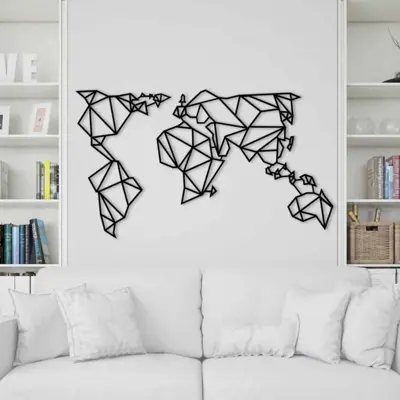
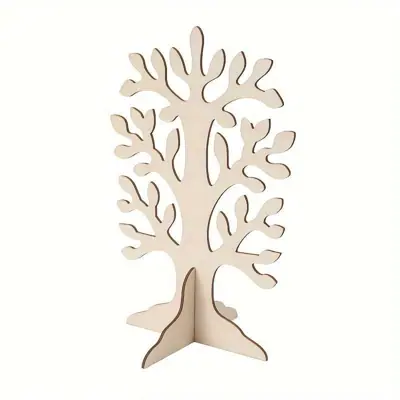
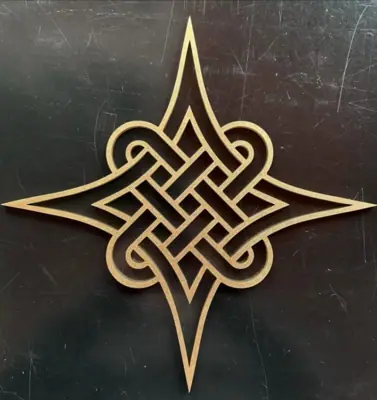
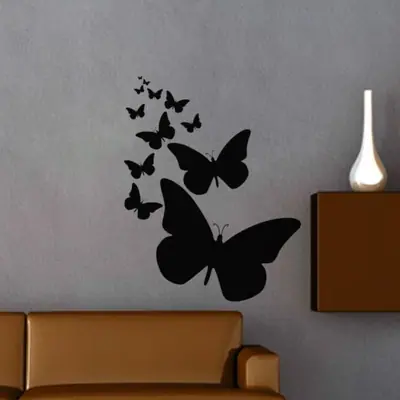
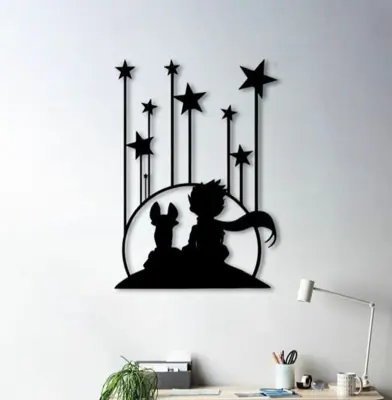
Laser cut wall art files: flowers, birds, butterflies, trees, family signs, geometric and polygon art, letters and metal wall decor. Each design downloads as DXF, SVG, AI, CDR, EPS and PDF, so it works on CO₂ and diode lasers, CNC routers and plasma tables. Cut it from plywood, MDF, acrylic or steel, and paint or stain it to match a room.






Cutting tips for wall art
- Large pieces may need to be split to fit your machine bed – check the size in your CAM software first.
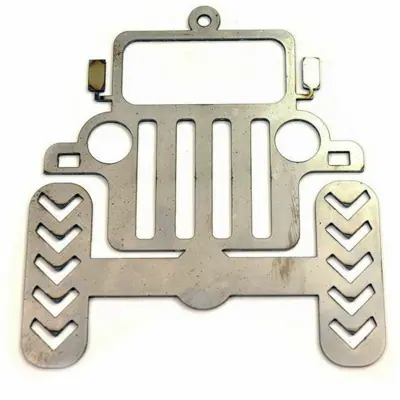
- For metal versions, convert the file to DXF outlines and remove engrave lines before plasma cutting.
- Keep thin bridges at least 2× your material thickness so the piece does not break when you hang it.
- Sand the edges lightly and use a matte spray paint for a clean, modern finish.
- Use small spacers behind the art to create a floating shadow effect on the wall.
Questions
Are these wall art files free?
Yes. Every file in this category is a free download. These are community designs from 3axis.co: CutGarage lists them and links to the original page, where you download the files.
Which material should I use?
We suggest 3–6 mm plywood or MDF, 3 mm acrylic, or 1.5–3 mm steel for plasma-cut metal versions.
Can I cut it from metal?
Yes. The DXF opens in plasma, fibre laser and waterjet software. Remove any engrave lines, check that thin parts are wide enough for your kerf, and scale the design up if details are very small.