Coaster generator
The CutGarage coaster generator designs a laser-cut coaster with your text in seconds. Pick a shape (round, square, hexagon, octagon or heart), set the size, add an engraved name, logo text or word and an optional border ring, then download a free SVG or DXF.
Free, no sign-up, nothing is uploaded – the file is made in your browser. Red = cut, black = engrave. Files are 1:1 in millimetres; cut a small test first.
How to use the coaster generator
- Pick a shape and size. Most coasters are 90–100 mm. Hexagon and round coasters are the best sellers.
- Add text. Type a name, a date, a café name or a short word. Leave it empty for a plain coaster.
- Choose engrave or cut. Engrave keeps the coaster solid. Cut-through makes a stencil-style coaster.
- Download and cut. Nest several coasters on one sheet in your laser software to save material.
Best materials for coasters
Use 3–4 mm birch plywood, cork, slate or 3 mm acrylic. Finish wooden coasters with a heat-resistant, food-safe varnish and glue cork or felt to the bottom so they don’t scratch tables. Slate and cork engrave beautifully with a diode or CO₂ laser.
Selling coasters
Coasters are one of the fastest laser products to make and sell: personalised wedding and housewarming sets, café and bar coasters with a logo, and seasonal designs. Sell them in sets of 4 or 6 with a matching holder from our coasters & kitchen files.
Questions
What size is a standard coaster?
Most coasters are 90–100 mm across (about 3.5–4 inches). Square coasters are usually 95 mm with rounded corners.
Can I engrave a logo?
This generator engraves text. For a logo, use our image to SVG converter to turn your logo into an engrave file, then place it on the coaster in your laser software.
Which material is best for engraved coasters?
Cork and slate give the best contrast for engraving. Birch plywood is the cheapest and easiest to cut.
Is the coaster generator free?
Yes. It is free with no sign-up, and you can sell the coasters you make.
Which software opens the files?
The SVG opens in Glowforge, xTool, LightBurn, Inkscape and Cricut. The DXF opens in LightBurn, LaserGRBL, RDWorks and CNC software.
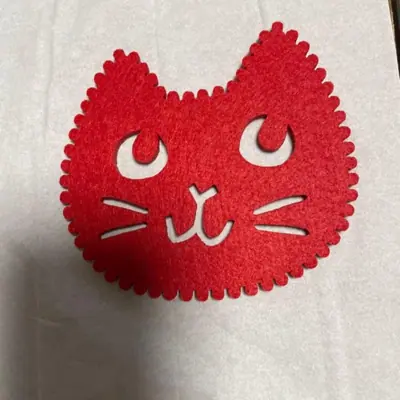
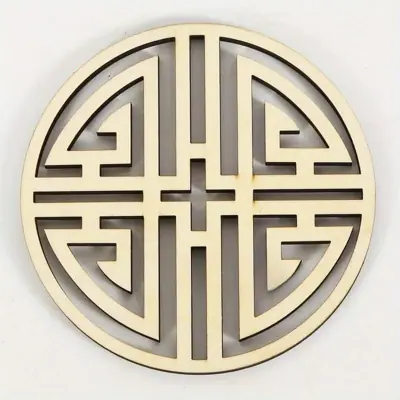
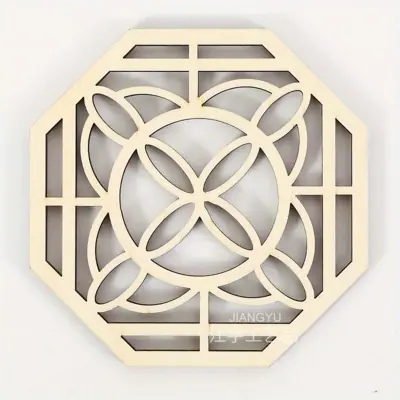
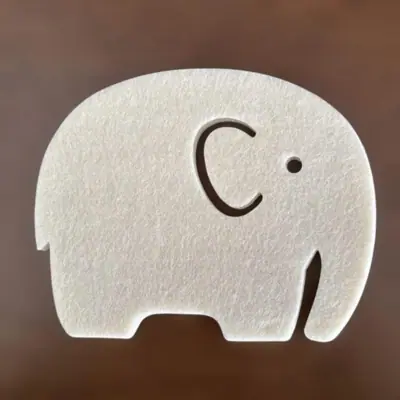
Free coaster and kitchen files to cut
Ready-made designs if you prefer a finished file.
Guides
More free tools

Name to cake topper with stakes – SVG & DXF.
Open tool →
Layered, engraved or cut-letter name signs.
Open tool →
Name-shaped keychains and tags with a ring hole.
Open tool →
Clock faces with numerals, ticks and centre hole.
Open tool →
Turn a logo or photo into a cut or engrave file.
Open tool →
Flexible bending patterns for plywood.
Open tool →