Image to SVG converter for laser cutting
The CutGarage image to SVG converter turns a logo, drawing, silhouette or photo into a clean vector file for laser cutting or engraving. Upload a JPG or PNG, move the threshold until the shape looks right, and download an SVG or DXF – the image never leaves your computer.
Free, no sign-up, nothing is uploaded – the file is made in your browser. Red = cut, black = engrave. Files are 1:1 in millimetres; cut a small test first.
How to use the image to svg converter
- Upload your image. Logos, silhouettes, line drawings and high-contrast photos work best.
- Adjust the threshold. Move the slider until the dark parts you want are filled and the background is clean.
- Clean it up. Use “Smoothing” for jagged edges and “Ignore specks” to remove small dots.
- Choose cut or engrave and download. Cut outlines makes a shape you can cut out; engrave makes filled areas to engrave.
Which images work best?
High-contrast black-and-white images: logos, silhouettes, clip art, line drawings and text. For a photo, choose one with a plain background and strong light – or remove the background first. Busy photos with many grey tones are better engraved as a photo (bitmap) in your laser software.
Tips for clean laser files
- Use an image at least 800 px wide.
- For cut-out shapes, make sure every part touches the outline – islands fall out.
- Check small details: anything thinner than 1 mm can burn away.
Questions
Is my image uploaded?
No. The conversion runs entirely in your browser. Your image never leaves your computer.
Can I convert a photo for laser engraving?
Yes, if the photo has strong contrast, like a silhouette or a portrait on a plain background. Move the threshold until the shape is clear. For full greyscale photos, engrave the original photo as a bitmap instead.
What is the difference between cut and engrave output?
Cut outlines gives red outline paths your laser cuts along. Engrave gives filled black shapes your laser engraves.
Can I use the SVG with Cricut?
Yes. Download the SVG and upload it to Cricut Design Space.
Is the converter free?
Yes. It is free, with no sign-up and no watermark.
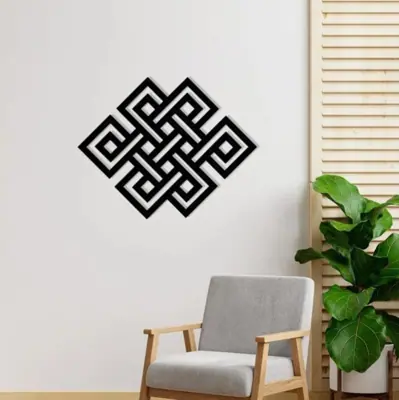
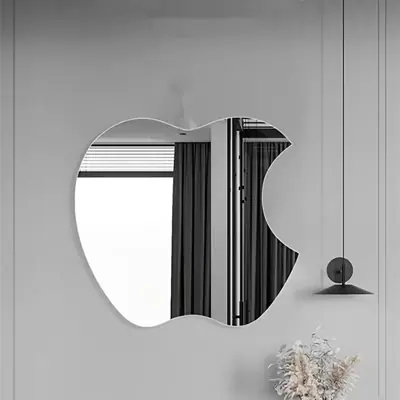
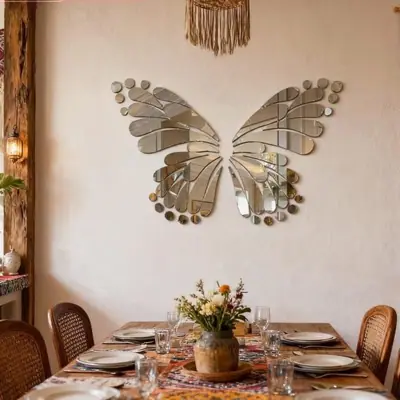
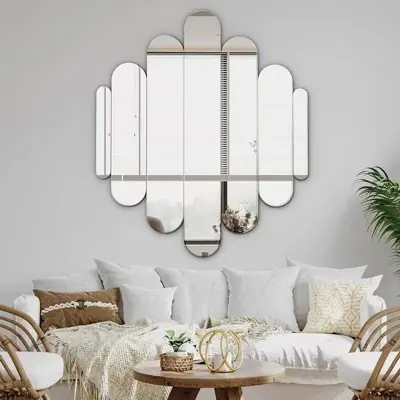
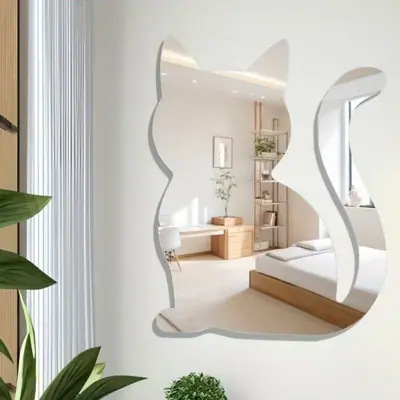
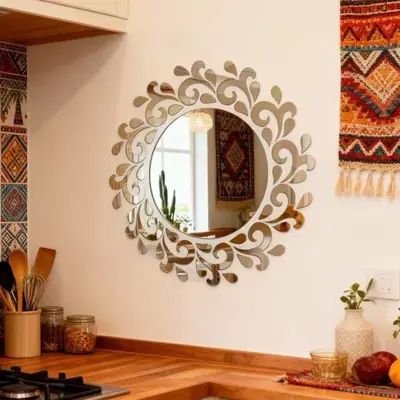
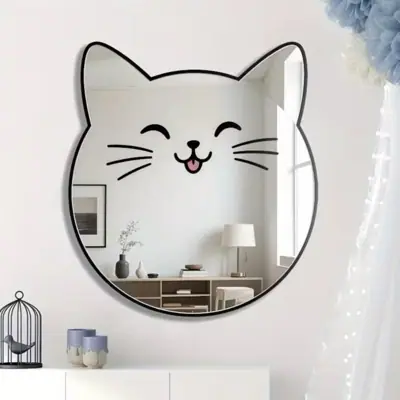
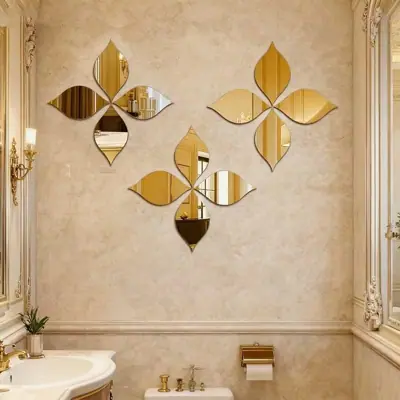
Free wall art files to cut
Ready-made designs if you prefer a finished file.
Guides
More free tools

Name to cake topper with stakes – SVG & DXF.
Open tool →
Layered, engraved or cut-letter name signs.
Open tool →
Round, square, hexagon or heart coasters with text.
Open tool →
Name-shaped keychains and tags with a ring hole.
Open tool →
Clock faces with numerals, ticks and centre hole.
Open tool →
Flexible bending patterns for plywood.
Open tool →