Name sign generator
The CutGarage name sign generator makes a laser-cut name sign from any word in seconds. Choose layered (letters glued on a backing), engraved (name engraved on a shaped plaque) or cut letters only, then download a free SVG or DXF for your laser cutter or CNC router.
Free, no sign-up, nothing is uploaded – the file is made in your browser. Red = cut, black = engrave. Files are 1:1 in millimetres; cut a small test first.
How to use the name sign generator
- Type the name. Enter a name, a family name or a word like “Welcome” or “Home”.
- Choose a style. Layered gives two parts to glue together; engraved gives one plaque with the name engraved; cut letters gives the name only.
- Set the size. Nursery and door signs are usually 250–400 mm wide. The backing border is the margin around the letters.
- Download and cut. Cut the backing and letters from different colours or materials, then glue the letters on.
Best materials for name signs
The most popular combination is a 3 mm white or birch plywood backing with letters in 3 mm coloured or mirror acrylic. For outdoor signs, use 3–5 mm acrylic or aluminium composite. For a premium look, use walnut veneer plywood for the backing.
How to assemble a layered sign
- Cut the backing and the letters.
- Sand or clean the edges and remove the film.
- Lay the letters on the backing – the backing border shows exactly where they go.
- Glue with wood glue (wood) or acrylic glue (acrylic) and press for 30 minutes.
Questions
Is the name sign generator free?
Yes, it is free with no sign-up, and you can sell the signs you make.
What is the difference between layered and engraved?
Layered makes two parts – a shaped backing and the letters – that you glue together for a 3D look. Engraved makes one plaque with the name engraved on it, which is faster to produce.
Can I make a neon-style sign with it?
Yes. Make a layered sign, cut the backing from clear acrylic and glue LED neon flex along the letters, or use the letters as a guide.
Which fonts work best?
Script fonts like Lobster and Pacifico look best for names because the letters connect. Bold fonts like Alfa Slab One are best for words such as “Welcome” or “Home”.
Will it work with Glowforge and xTool?
Yes. Download the SVG: cut lines are red and engraving is filled black, which Glowforge, xTool Creative Space and LightBurn understand.
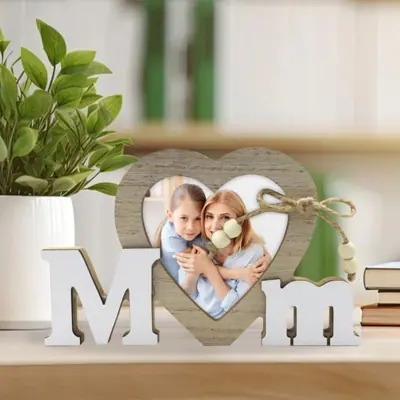
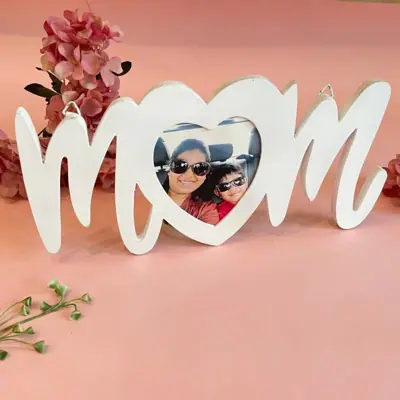
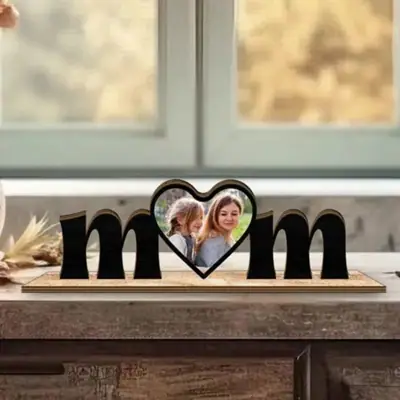
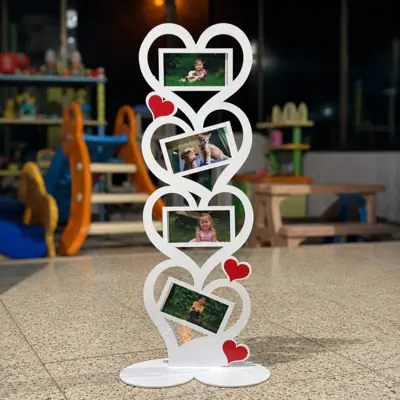
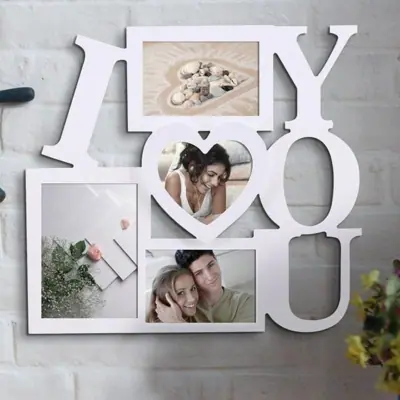
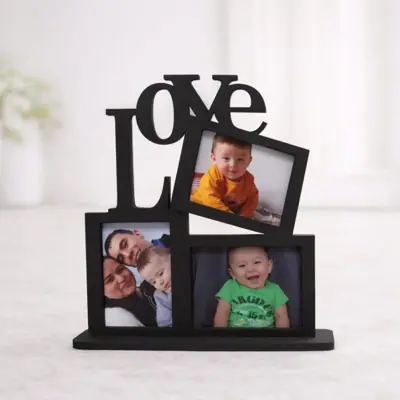
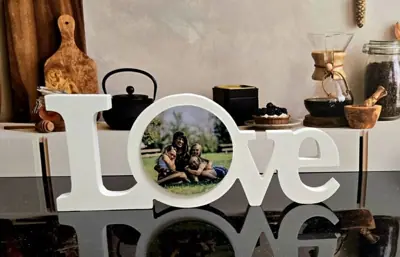
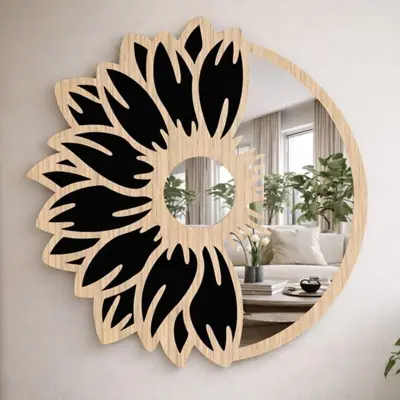
Free sign and frame files to cut
Ready-made designs if you prefer a finished file.
Guides
More free tools

Name to cake topper with stakes – SVG & DXF.
Open tool →
Round, square, hexagon or heart coasters with text.
Open tool →
Name-shaped keychains and tags with a ring hole.
Open tool →
Clock faces with numerals, ticks and centre hole.
Open tool →
Turn a logo or photo into a cut or engrave file.
Open tool →
Flexible bending patterns for plywood.
Open tool →