Clock face generator
The CutGarage clock face generator designs a laser-cut wall clock in seconds. Choose the size and shape, Arabic or Roman numerals, dots or lines, minute ticks and the centre hole for your clock movement, then download a free SVG or DXF ready to engrave or cut.
Free, no sign-up, nothing is uploaded – the file is made in your browser. Red = cut, black = engrave. Files are 1:1 in millimetres; cut a small test first.
How to use the clock face generator
- Choose size and shape. 250–350 mm is the most popular wall clock size.
- Pick the hour marks. Arabic and Roman numerals, quarter numbers, dots or lines – with optional minute ticks.
- Set the centre hole. Measure the shaft of your quartz movement; most need a 7.5–8 mm hole.
- Download, cut and assemble. Cut the face, push the movement through the centre hole, add the hands and a battery.
What you need to finish the clock
- A quartz clock movement – choose the shaft length for your material thickness (for 3–6 mm, a 12–16 mm shaft).
- A pair of hands sized to about 40% of the face diameter.
- One AA battery.
Best materials for clock faces
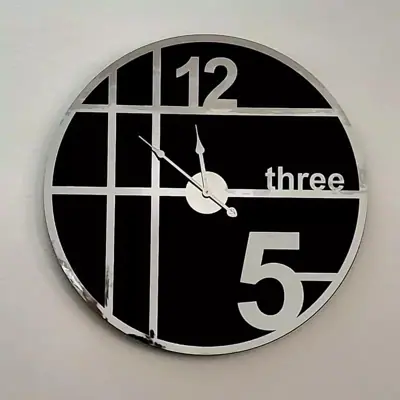
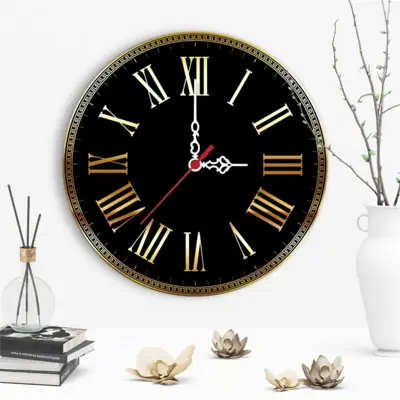
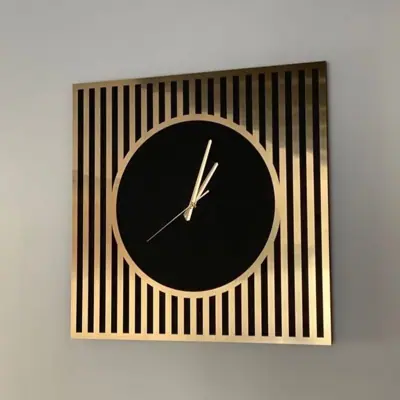
3–4 mm plywood or MDF for engraved clocks, 3 mm acrylic for modern clocks, and mirror acrylic for statement pieces. For cut-through numbers, use a contrasting backing board behind the face. Browse 135 free wall clock files for more ideas.
Questions
What size hole does a clock movement need?
Most standard quartz clock movements need a 7.5–8 mm hole. Measure the threaded shaft of yours before cutting.
What clock hands size should I use?
The minute hand should reach about 80–90% of the radius – for a 300 mm clock, a minute hand of about 120–130 mm.
Should I engrave or cut the numbers?
Engraving keeps the face solid and is fastest. Cutting the numbers through looks modern but needs a backing board, and the centres of 0, 6, 8 and 9 fall out.
Is the clock face generator free?
Yes. It is free with no sign-up, and you can sell the clocks you make.
Can I add a name or logo?
Download the SVG and add text or a logo in your laser software, or use our image to SVG converter for a logo.
Free wall clock files to cut
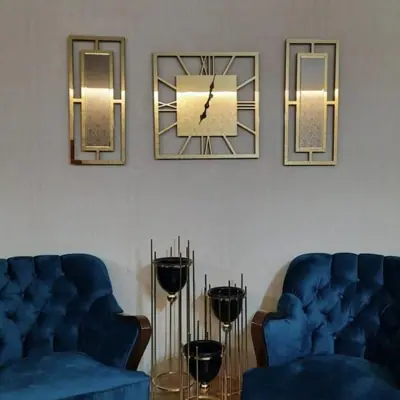
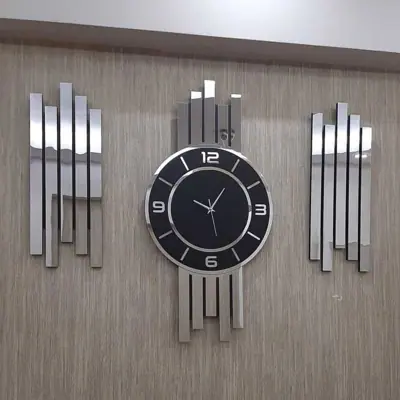
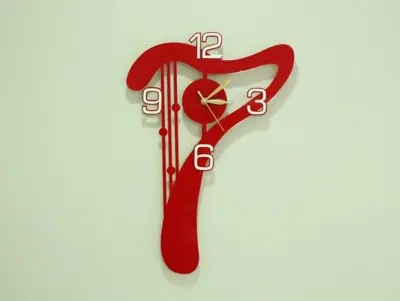
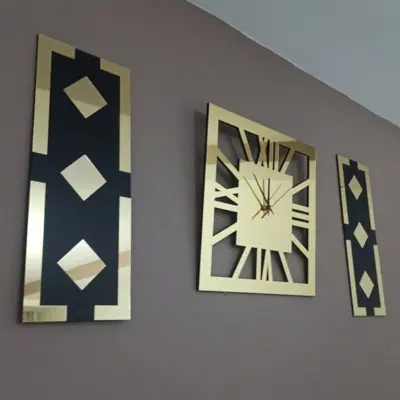
Ready-made designs if you prefer a finished file.

Guides
More free tools

Name to cake topper with stakes – SVG & DXF.
Open tool →
Layered, engraved or cut-letter name signs.
Open tool →
Round, square, hexagon or heart coasters with text.
Open tool →
Name-shaped keychains and tags with a ring hole.
Open tool →
Turn a logo or photo into a cut or engrave file.
Open tool →
Flexible bending patterns for plywood.
Open tool →