Finger-joint box generator
Make a laser-cut box in any size: enter width, depth, height and your sheet thickness, then download a DXF or SVG with all panels and finger joints. Free, no sign-up – everything runs in your browser.
Files are drawn 1:1 in millimetres with no kerf compensation. Cut a small test piece first to check fit with your machine and material.
How to use the finger-joint box generator
- Enter the box size. Width, depth and height in millimetres. Tick “inside dimensions” if the contents must fit exactly.
- Enter your material thickness. Measure the sheet with a caliper – the joints are drawn for this exact thickness.
- Choose open or closed. Open boxes have no lid; closed boxes get a lid panel with matching fingers.
- Download and assemble. Cut all panels, push the fingers together and glue with wood glue.
Questions
Why don’t my box joints fit?
Your sheet is not exactly the thickness you entered, or the kerf is large. Measure the sheet and cut our kerf test to find the perfect value.
Can I make a box with a hinged lid?
Make a closed box, then use our living hinge generator for a flexible lid, or glue a small piano hinge.
What is the maximum size?
Any size that fits your machine bed. The file shows the sheet size you need.
Is the box generator free?
Yes, free with no sign-up, and you can sell the boxes you make.
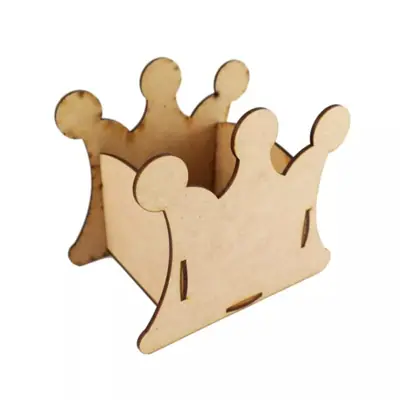
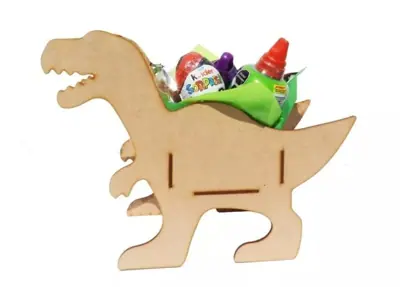
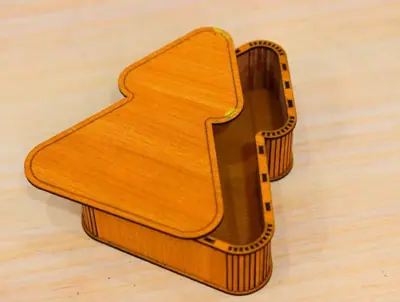
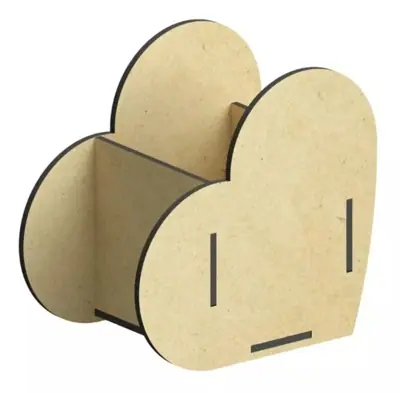
Free box files to cut
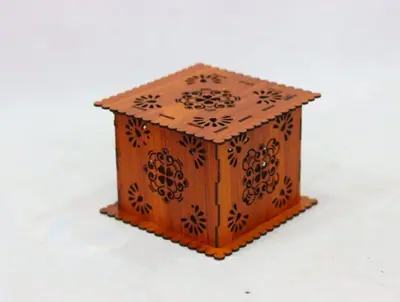
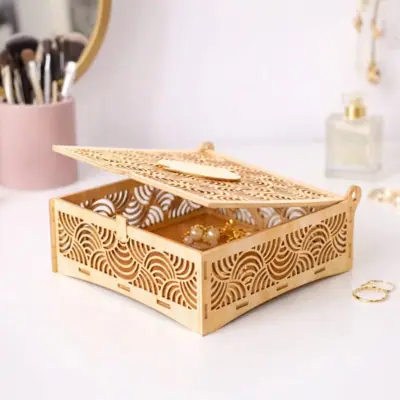
Ready-made designs if you prefer a finished file.

Guides
More free tools

Name to cake topper with stakes – SVG & DXF.
Open tool →
Layered, engraved or cut-letter name signs.
Open tool →
Round, square, hexagon or heart coasters with text.
Open tool →
Clock faces with numerals, ticks and centre hole.
Open tool →
Flexible bending patterns for plywood.
Open tool →
Find your kerf and the perfect slot fit.
Open tool →