Spur gear generator
Draw an involute spur gear for laser cutting or CNC: choose the module, number of teeth, pressure angle and bore, then download DXF or SVG. Free, no sign-up – everything runs in your browser.
Files are drawn 1:1 in millimetres with no kerf compensation. Cut a small test piece first to check fit with your machine and material.
How to use the gear generator
- Choose the module. The module sets the tooth size. Gears that mesh must have the same module.
- Choose the number of teeth. More teeth = bigger gear. The gear ratio is teeth of driven gear ÷ teeth of driving gear.
- Set the bore. The bore is the centre hole for the shaft.
- Download and cut. Cut a pair and check the mesh before cutting a full set.
Questions
What is a gear module?
The module is the pitch diameter divided by the number of teeth. A module 2 gear with 24 teeth has a 48 mm pitch diameter.
How far apart should two gears be?
Centre distance = (teeth 1 + teeth 2) × module ÷ 2. Add 0.1–0.2 mm for laser-cut gears so they don’t bind.
Which material is best for laser-cut gears?
6 mm plywood or 5–6 mm acrylic for models and clocks; POM or nylon on a CNC for working machines.
Is the gear generator free?
Yes, free with no sign-up.
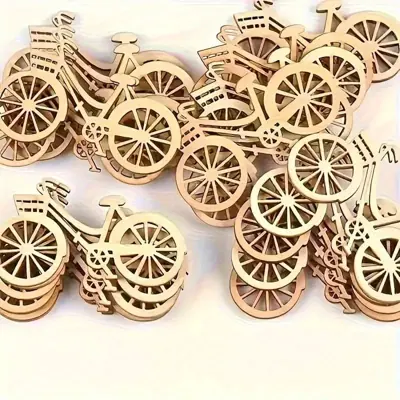
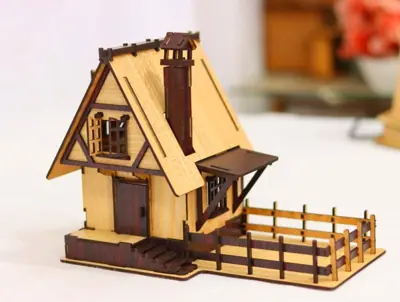
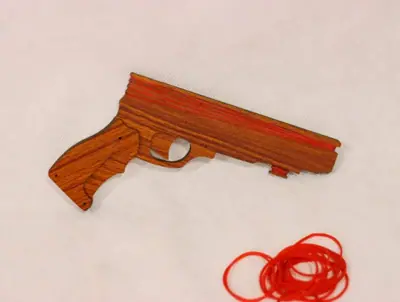
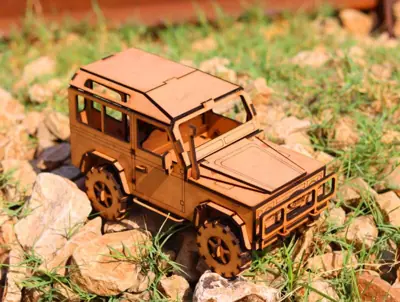
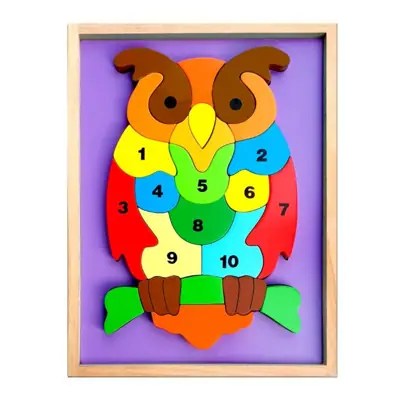
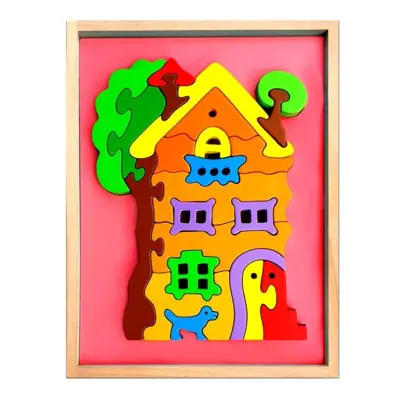
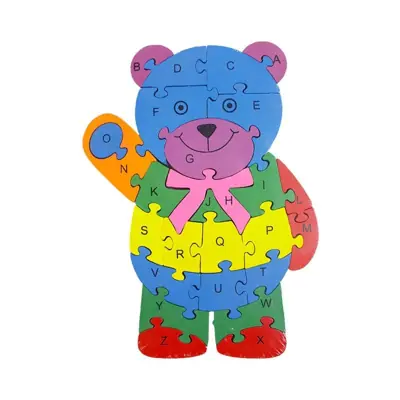
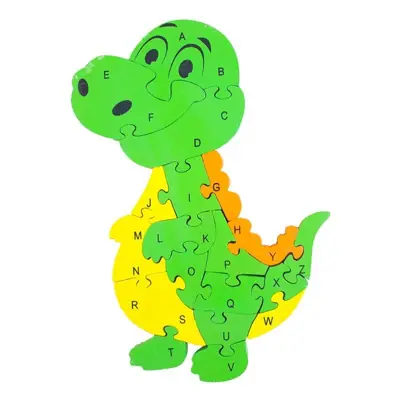
Free toy and puzzle files to cut
Ready-made designs if you prefer a finished file.
More free tools

Name to cake topper with stakes – SVG & DXF.
Open tool →
Layered, engraved or cut-letter name signs.
Open tool →
Round, square, hexagon or heart coasters with text.
Open tool →
Clock faces with numerals, ticks and centre hole.
Open tool →
Flexible bending patterns for plywood.
Open tool →
Find your kerf and the perfect slot fit.
Open tool →