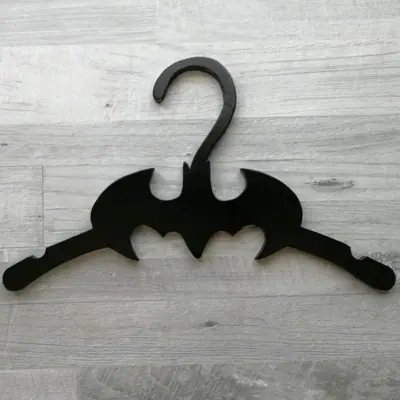
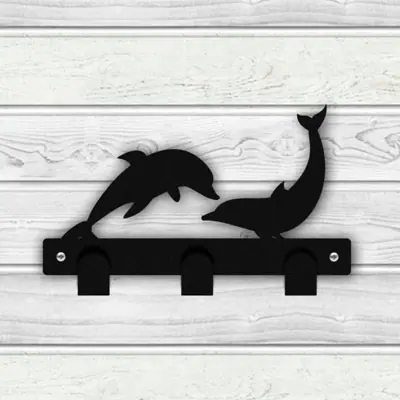
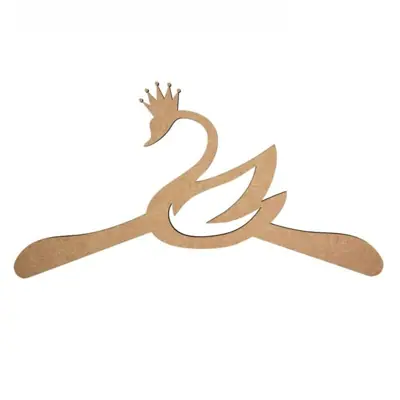
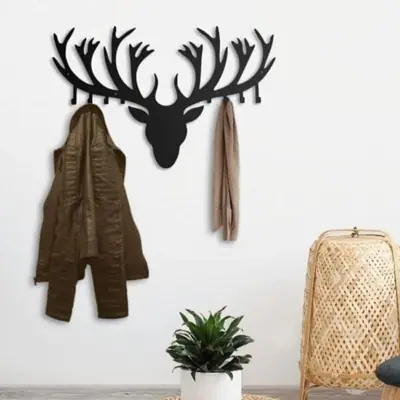
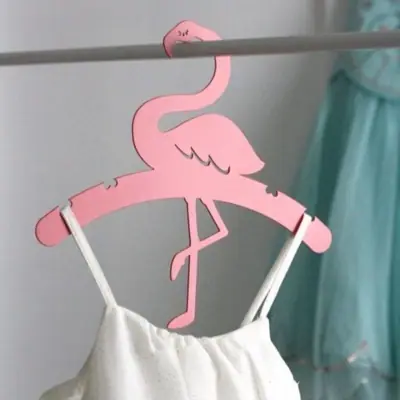
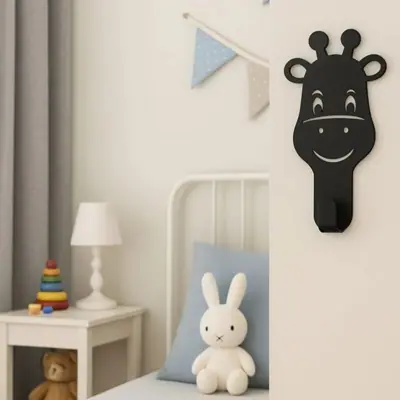
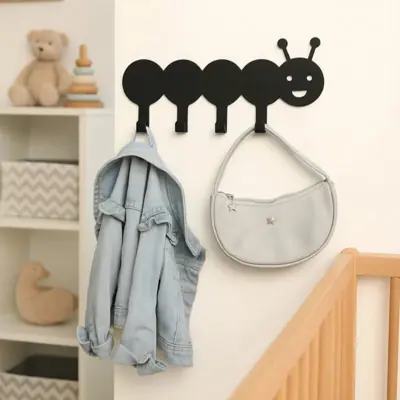
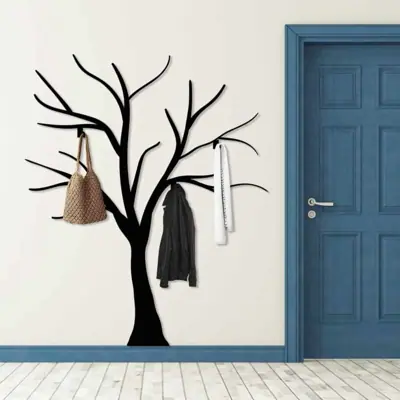
Wooden Kids Newborn Baby Clothing Hanger Personalized Gift
Free laser cut jewelry or display design file – DXF, SVG, CDR, AI, EPS, PDF. Community design from 3axis.co.
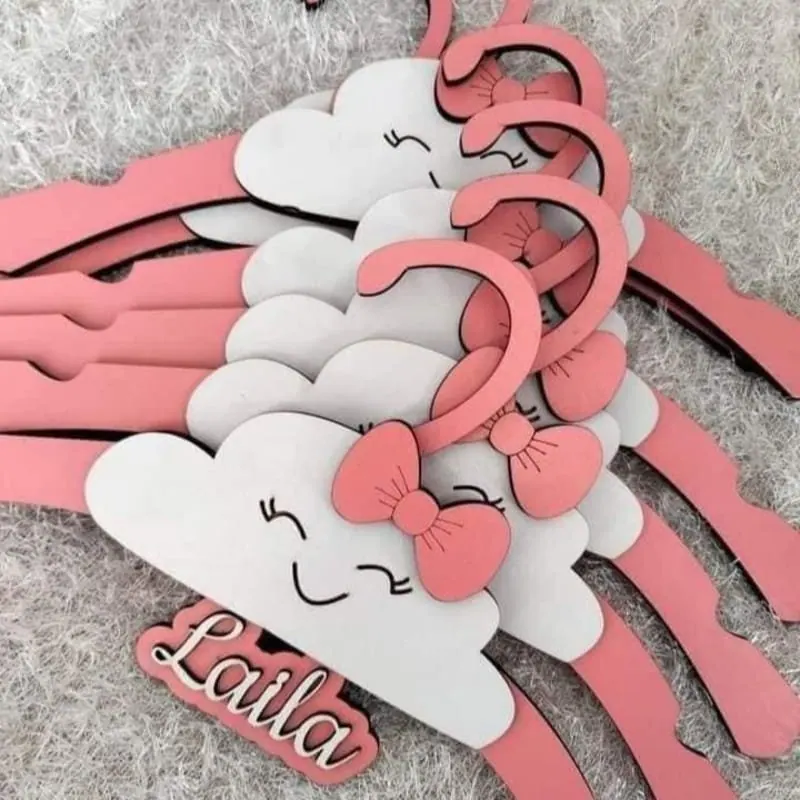
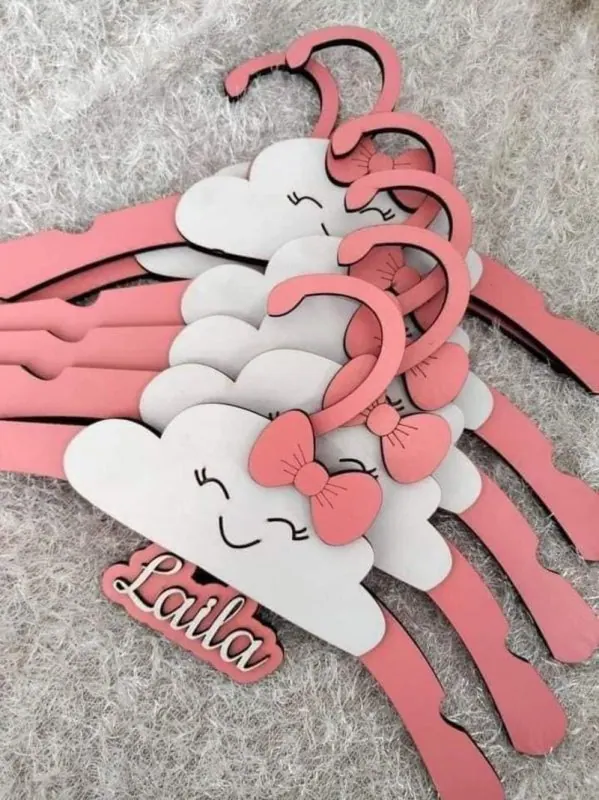
| Formats | DXF, SVG, CDR, AI, EPS, PDF |
|---|---|
| Files included | 6 |
| Download size | 202.28 KB |
| Suggested material | 3 mm plywood or acrylic for stands; 2–3 mm wood or acrylic for earrings |
| Machines | CO₂, diode or fibre laser, CNC router; DXF also works for plasma and waterjet |
| Design source | 3axis.co |
| Licence | 3axis.co licence – sell what you make, don't share the file |
Design by a 3axis.co community member. CutGarage only links to the original page – all rights stay with the designer.
What is the Wooden Kids Newborn Baby Clothing Hanger Personalized Gift file?
Wooden Kids Newborn Baby Clothing Hanger Personalized Gift is a ready-to-cut jewelry or display design for laser cutters and CNC machines. The free download has 6 files in DXF, SVG, CDR, AI, EPS and PDF format (202.28 KB), so it opens in LightBurn, CorelDRAW, Illustrator, Inkscape or your CAM software.
It is easy to personalise: replace the name or text in the SVG, AI or CDR file before cutting.
Which material and thickness should I use?
The design is shown in wood. We suggest 3 mm plywood or acrylic for stands; 2–3 mm wood or acrylic for earrings.
How do I cut it?
- Add your shop name or logo to stands for a branded market display.
- Seal wooden earrings with a light varnish so they do not stain skin.
- Cut earrings in mirrored pairs and nest them closely to save material.
- Import the DXF at 100 % in millimetres. If the size looks wrong, use the CDR or PDF version and check the scale.
What can I make with it?
Makers use this file for:
- Display stands for craft fairs and shop counters
- Retail displays for cards, hats or clothing
- Handmade earrings for Etsy, markets and boutiques
Questions
Is the Wooden Kids Newborn Baby Clothing Hanger Personalized Gift file free?
Yes. It is a free download on 3axis.co, where it was published. CutGarage lists the design and links to the original page. The 3axis.co licence lets you sell the physical products you cut from it, but you may not share or re-upload the file itself.
Can I sell what I make with it?
Yes. Under the 3axis.co licence you can make and sell unlimited physical products from the file, online or offline. You cannot sell or share the digital file.
Which file formats are included?
DXF, SVG, CDR, AI, EPS and PDF. Use DXF for LightBurn, LaserGRBL and CNC software, CDR for CorelDRAW, AI for Illustrator, and SVG for Inkscape, Glowforge and xTool.
Which machines can cut it?
Any CO₂ or diode laser cutter, fibre laser or CNC router that reads DXF or SVG. Choose a material your machine can cut safely and do a test cut first.
What size should laser-cut earrings be?
Most wooden and acrylic earrings are 3–6 cm long. Scale the file in your software, keep thin parts at least 2 mm wide, and use 2–3 mm material so they stay light.
Can I change the size?
Yes. Scale the file in your laser or CAD software before cutting. If the design has slots or joints, adjust them to your material thickness after scaling.